MetaDefender Drive Smart Touch v1.5.0 enthält neue Verbesserungen zur Sicherung der Geräte von Lieferanten oder Auftragnehmern, die im täglichen Betrieb verwendet werden, bevor sie mit kritischen Systemen verbunden werden. Diese Version führt einen sicheren Dateiübertragungsansatz mit klarer Sichtbarkeit und Passwortverwaltung ein, der den Mitarbeitern vor Ort in jedem Schritt des Dateiverwaltungsprozesses stärkere Sicherheitsvorkehrungen bietet.
Secure Workflow zur Dateispeicherung mit klarer Transparenz
Mit dieser Version bietet MetaDefender Drive Smart Touch einen sicheren Workflow für die Dateispeicherung, der nur vertrauenswürdige, verifizierte Dateien in kritische Systeme zulässt. Diese Funktion ist für die nahtlose Integration mit MetaDefender Kiosk ausgelegt.
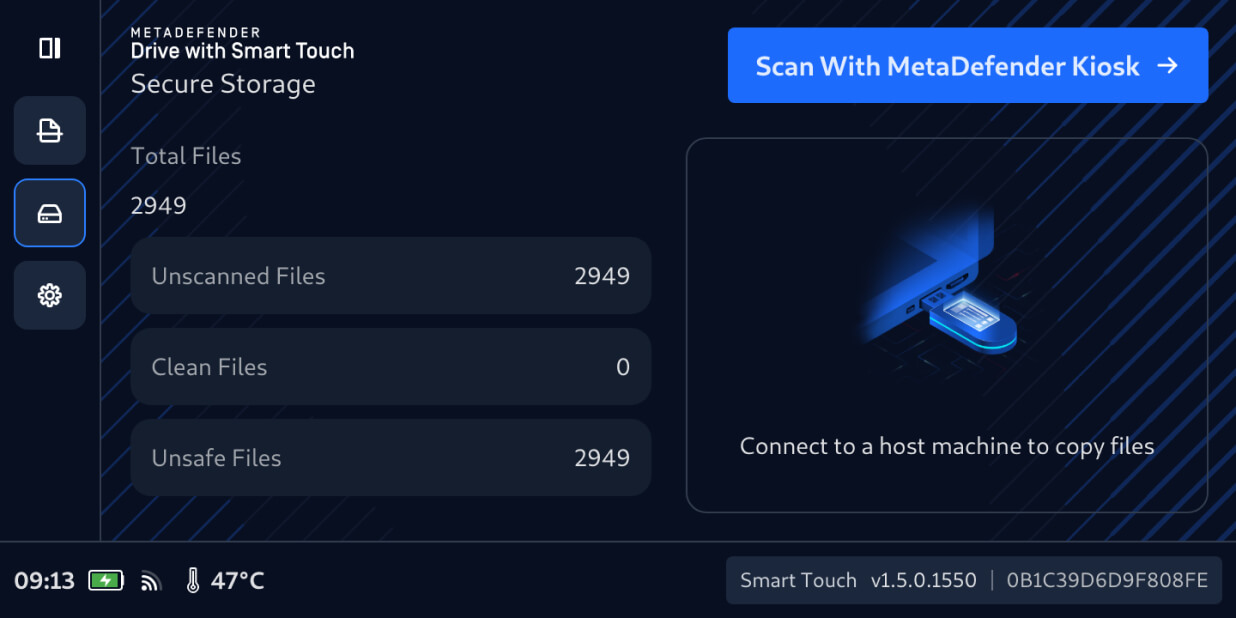
Drive „Smart Touch“ können Benutzer nun Dateien sicher von temporären Speichermedien auf MetaDefender Drive übertragen, genau wie bei einem herkömmlichen USB . Die neu übertragenen Dateienbleiben standardmäßig im Secure verborgen. Sie können erst dann weitergegeben oder verbreitet werden, wenn sie von einemKiosk gescannt und überprüft wurden.
Überprüfen Sie nicht gescannte Dateien mitMetaDefender Kiosk
Um zu überprüfen, ob die sicher gespeicherten Dateien für die Verwendung sicher sind, schließen Sie dasMetaDefender Drive Smart Touch, das die Dateien enthält, an einen laufenden MetaDefender Kiosk an und gehen Sie dann wie folgt vor:
1. Tippen Sie auf dem MetaDefender Drive Smart Touch-Oberfläche auf„Mit MetaDefender Kiosk scannen“.
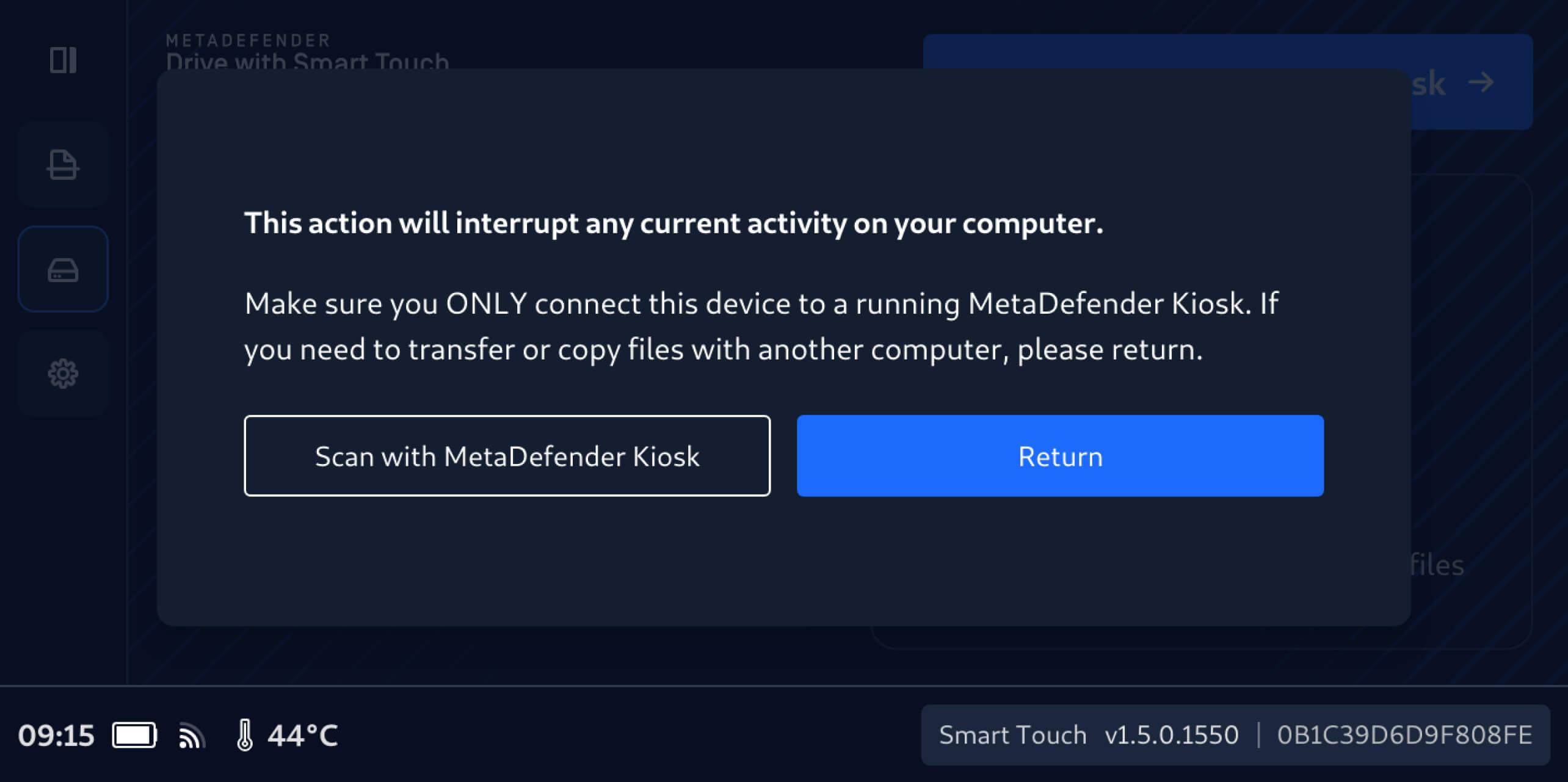
2. Es ist wichtig, MetaDefender Drive Smart Touch nicht mit einem anderen Computer zu verbinden, bis die sicher gespeicherten Dateien gescannt und überprüft wurden.
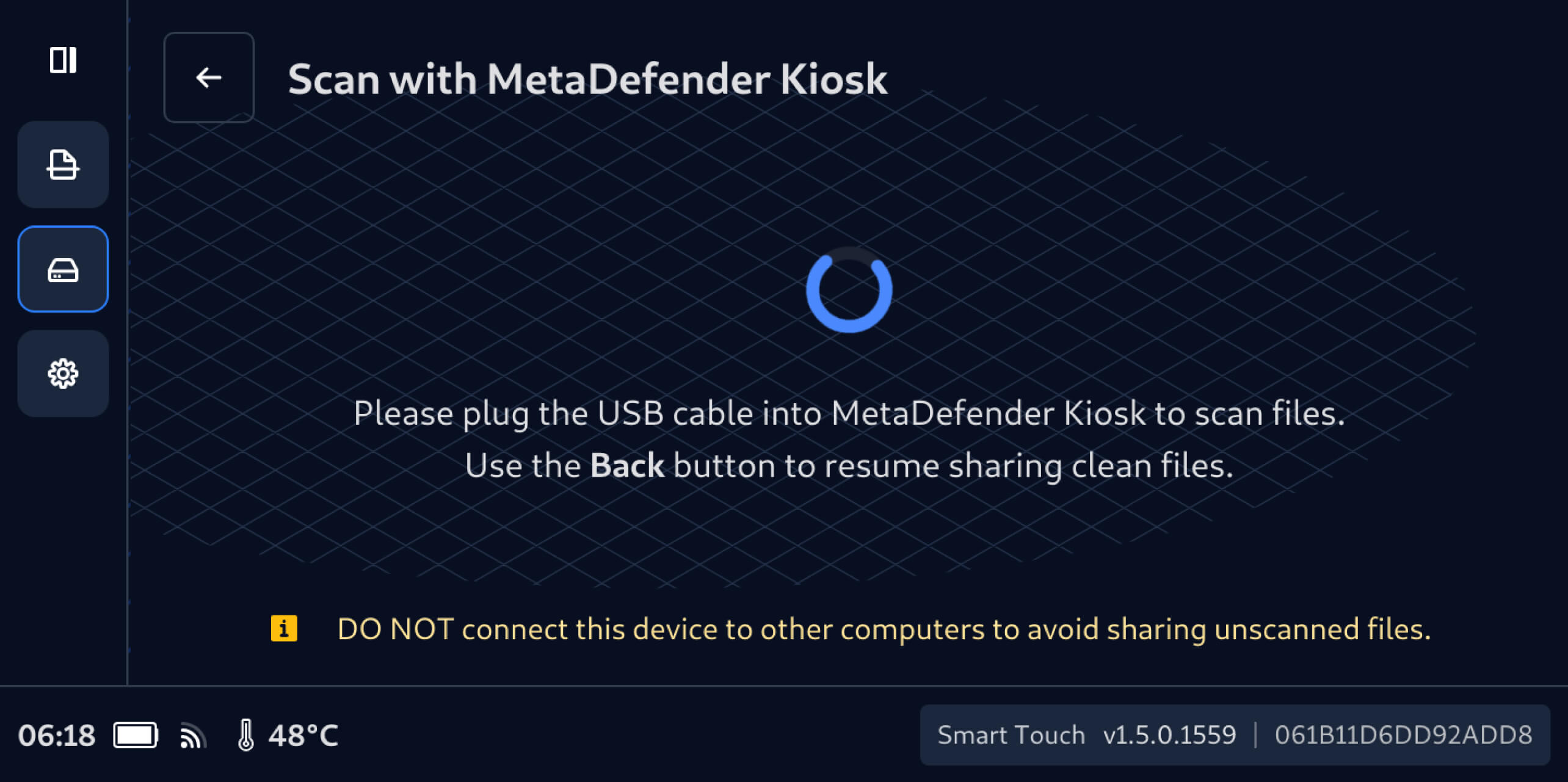
3. Nach dem Herstellen einer Verbindung zu einemKiosk wird die Anzahl der zuvor ausgeblendeten, nicht gescannten Dateien auf demDrive Smart Touch-Bildschirm angezeigt, und diese Dateien können mit dem verbundenenKiosk gescannt werden.
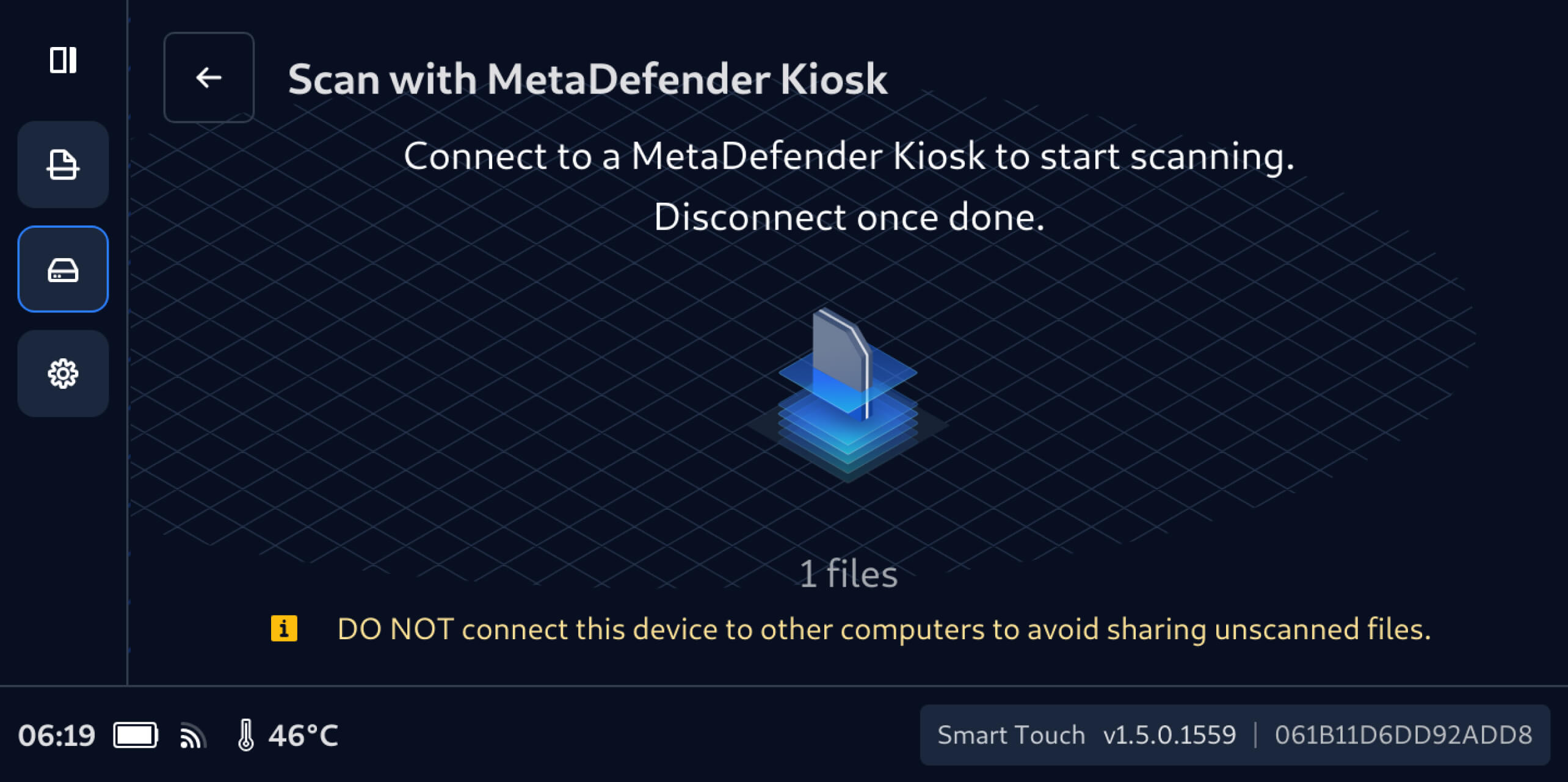
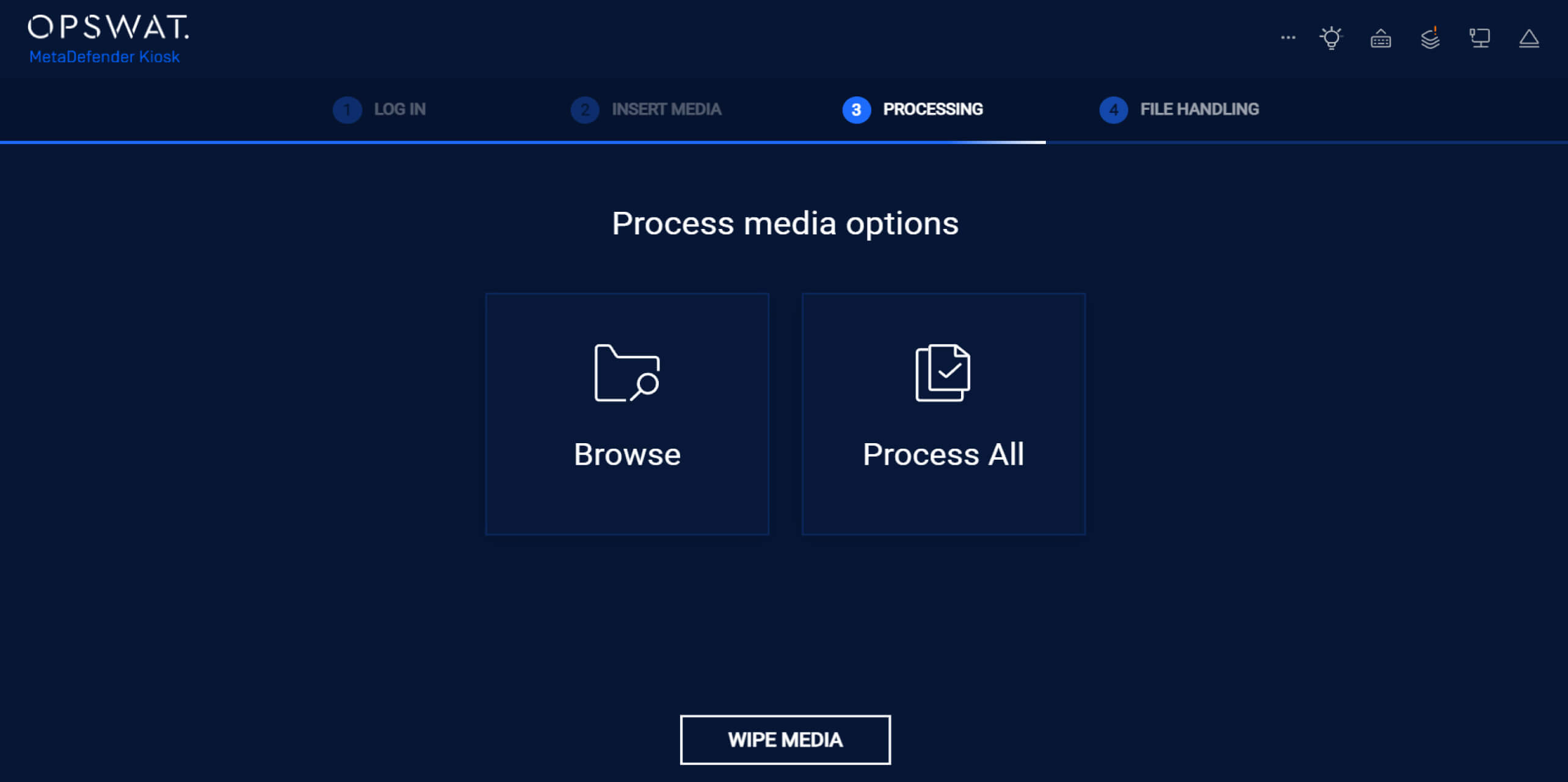
4. Tippen Sie auf derKiosk auf „Alle verarbeiten“, um alle noch nicht gescannten Dateien imDrive Smart Touch Secure zu überprüfen.
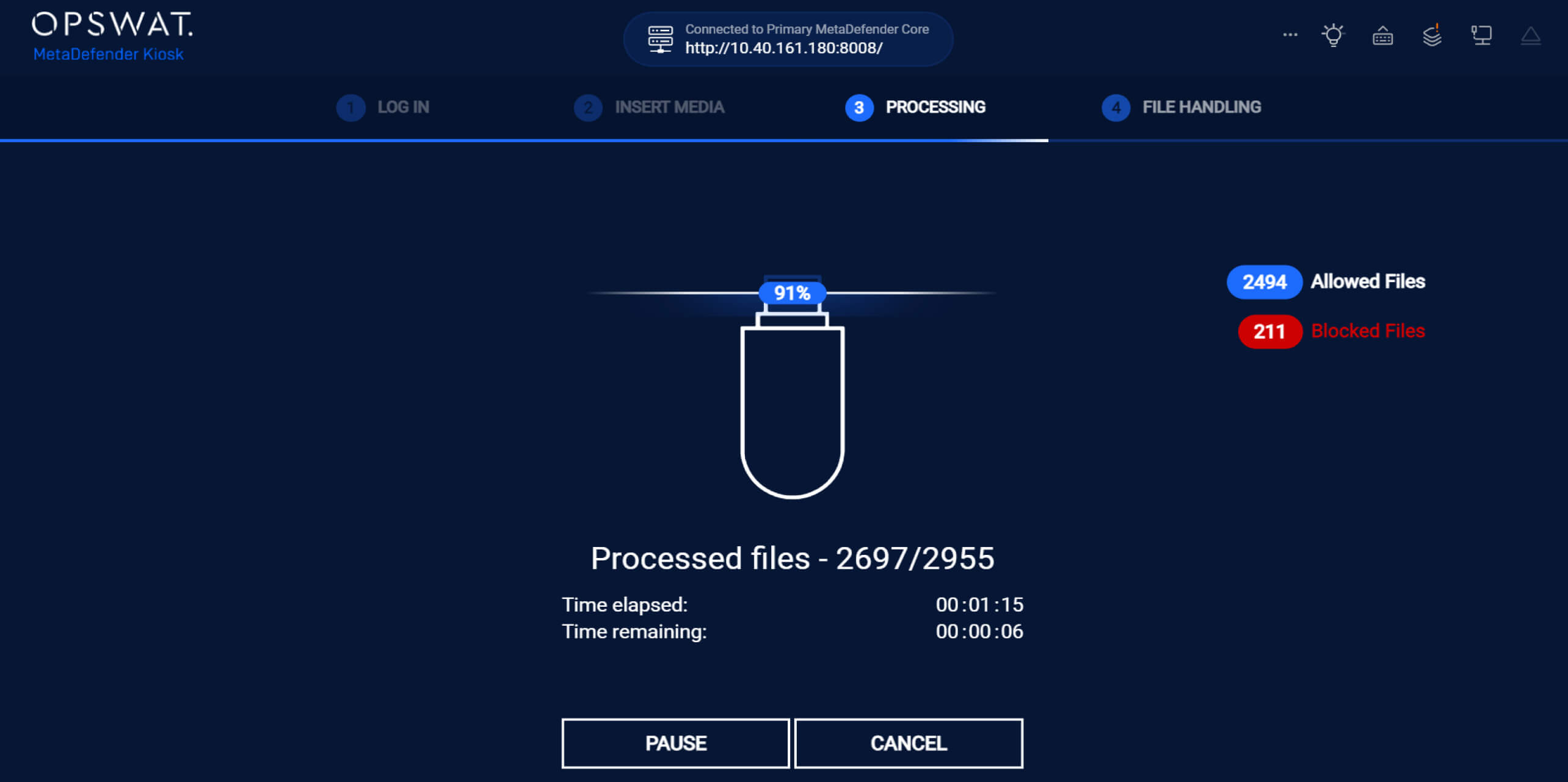
5. Während des ScansKiosk MetaDefender Kiosk Echtzeit-ErgebnisseKiosk , wobei die Anzahl der zugelassenen und blockierten Dateien deutlich angezeigt wird.
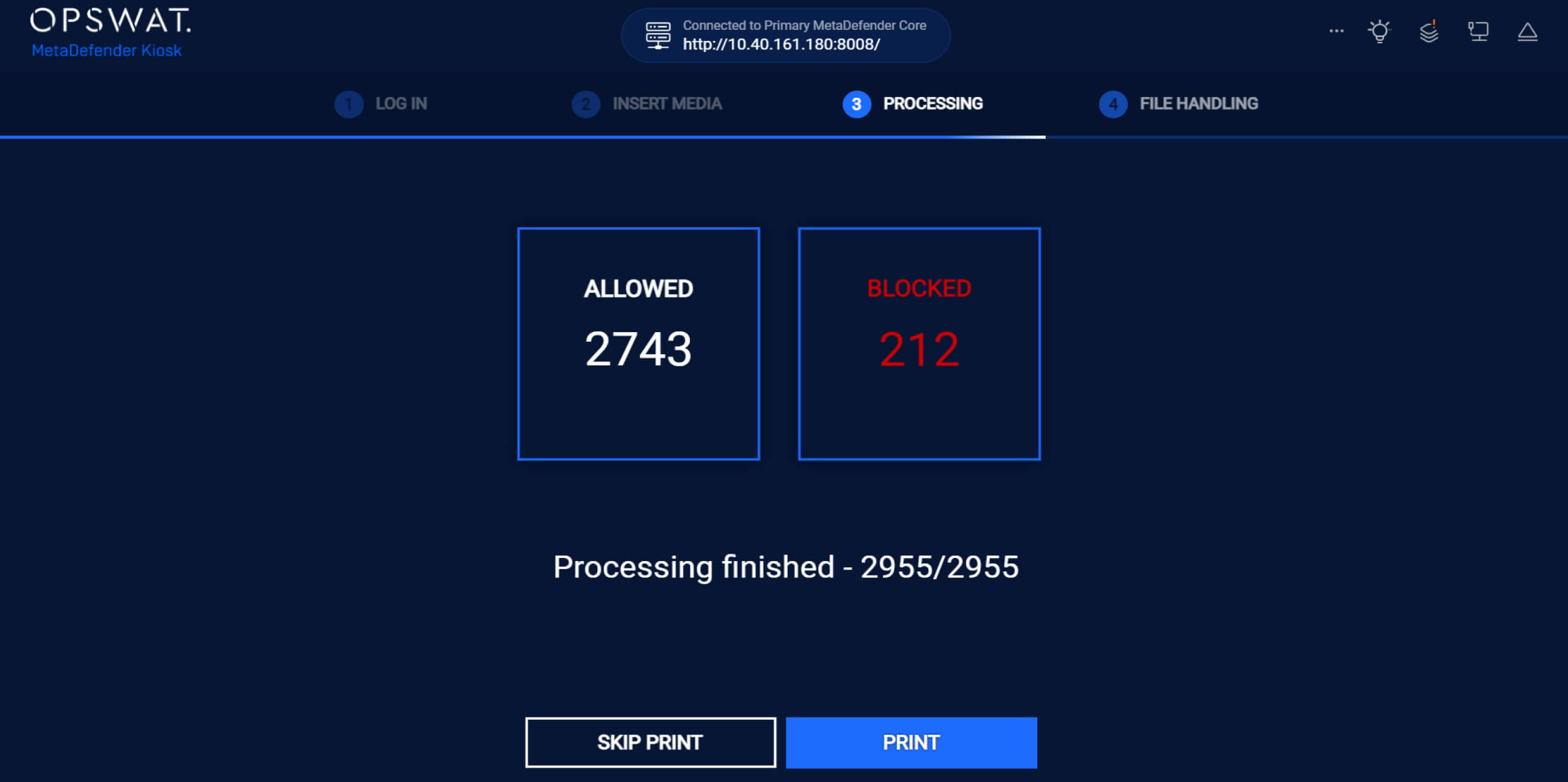
6. Nach der Verarbeitung aller DateienKiosk MetaDefender Kiosk die Anzahl der zugelassenen und blockierten DateienKiosk .
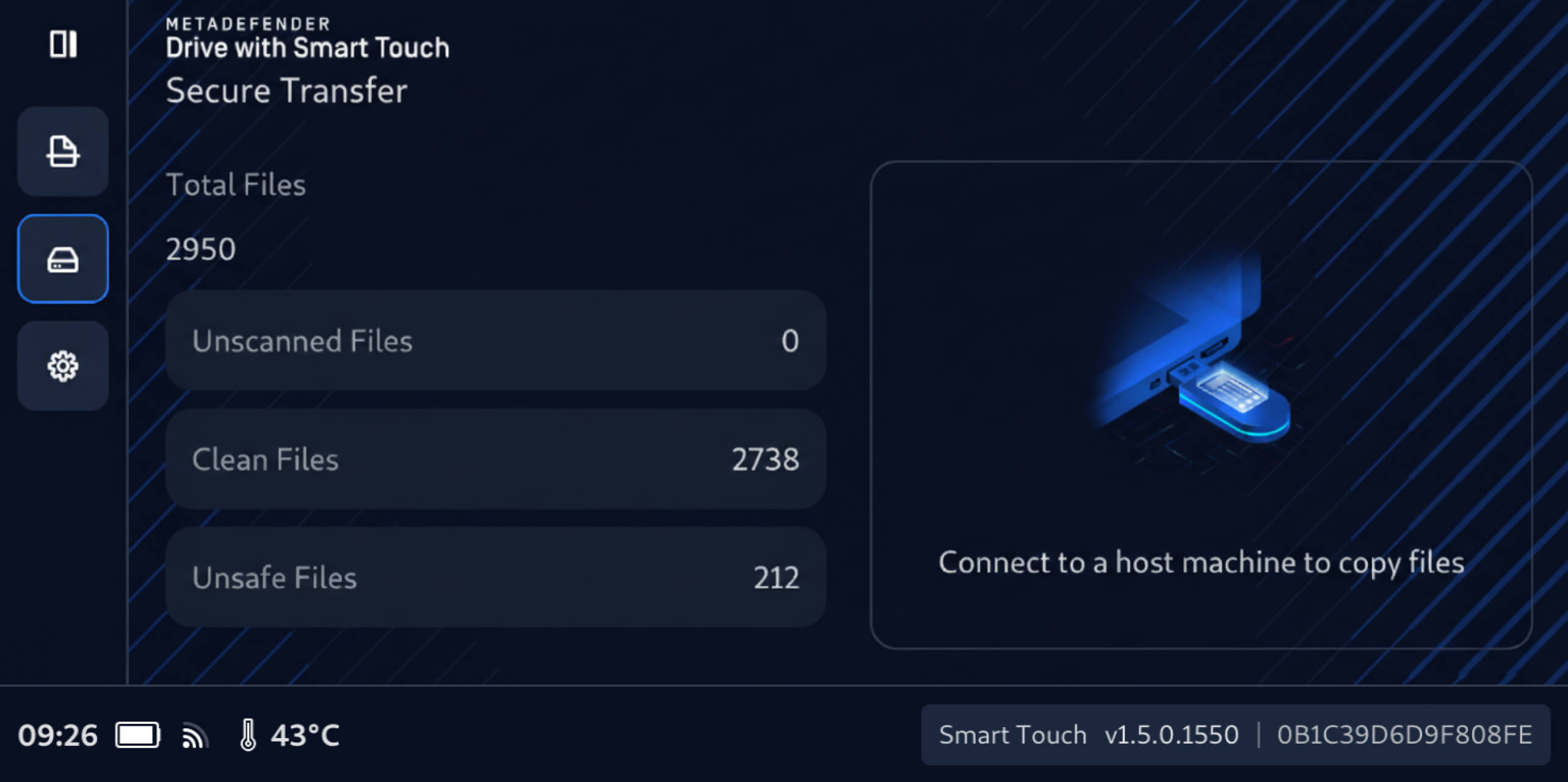
Sobald der Scanvorgang abgeschlossen ist:
- Verifizierte saubere Dateien werden ausdrücklich als sicher gekennzeichnet und können geteilt werden.
- Unsichere Dateien bleiben gesperrt und können weder aufgerufen noch weitergegeben werden.
MetaDefender Drive intelligenter Passwortverwaltung per Touch
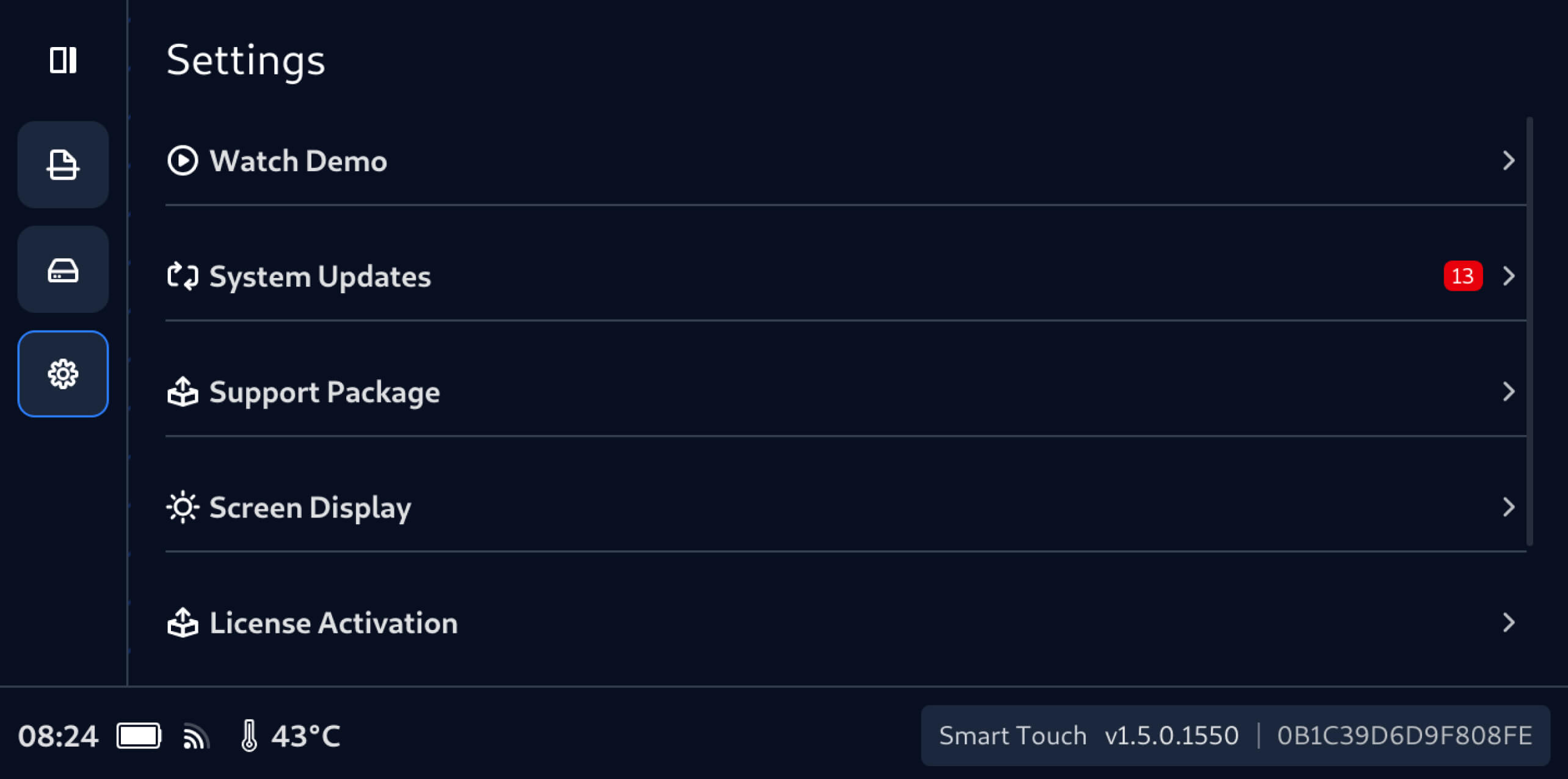
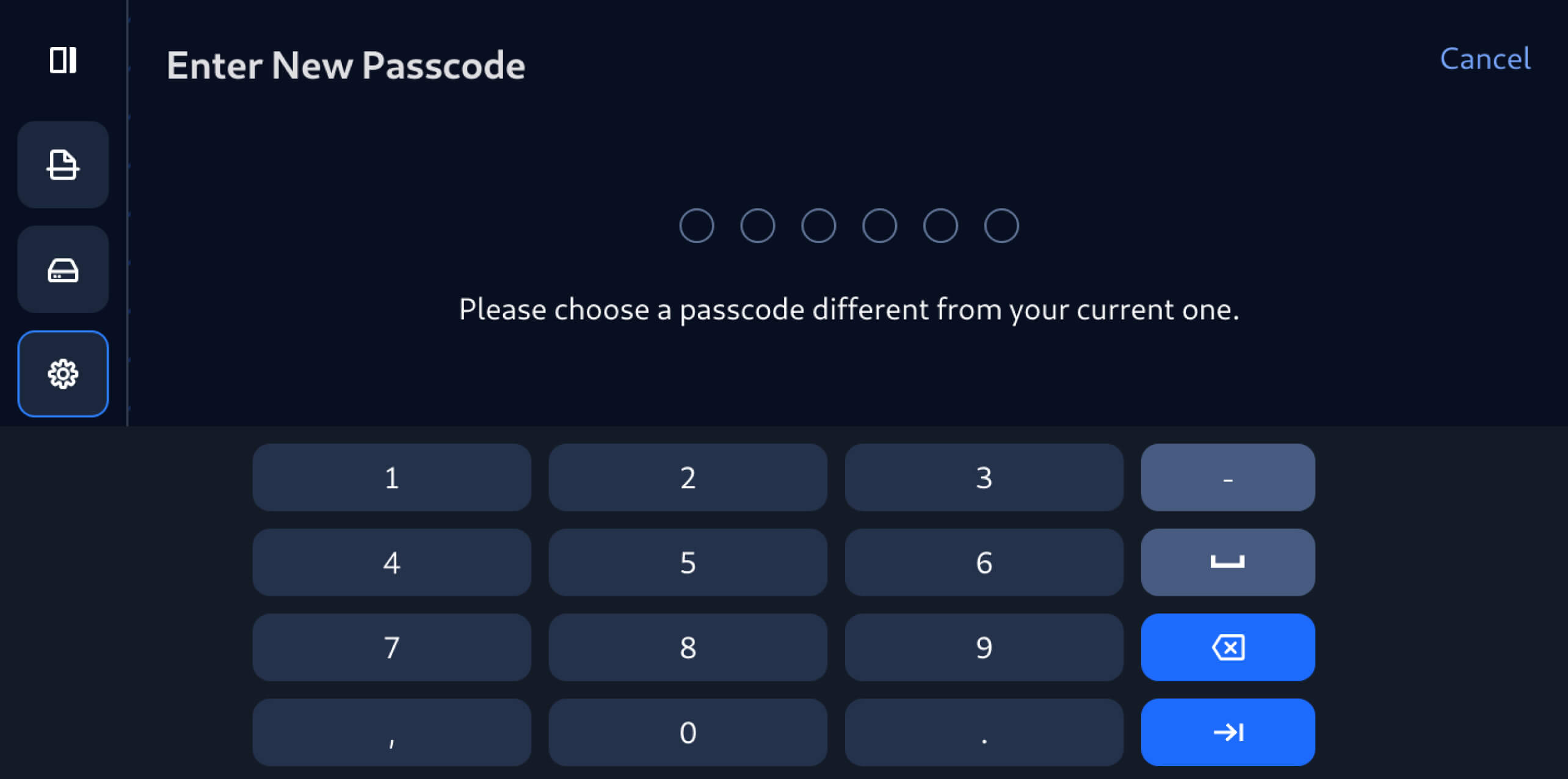
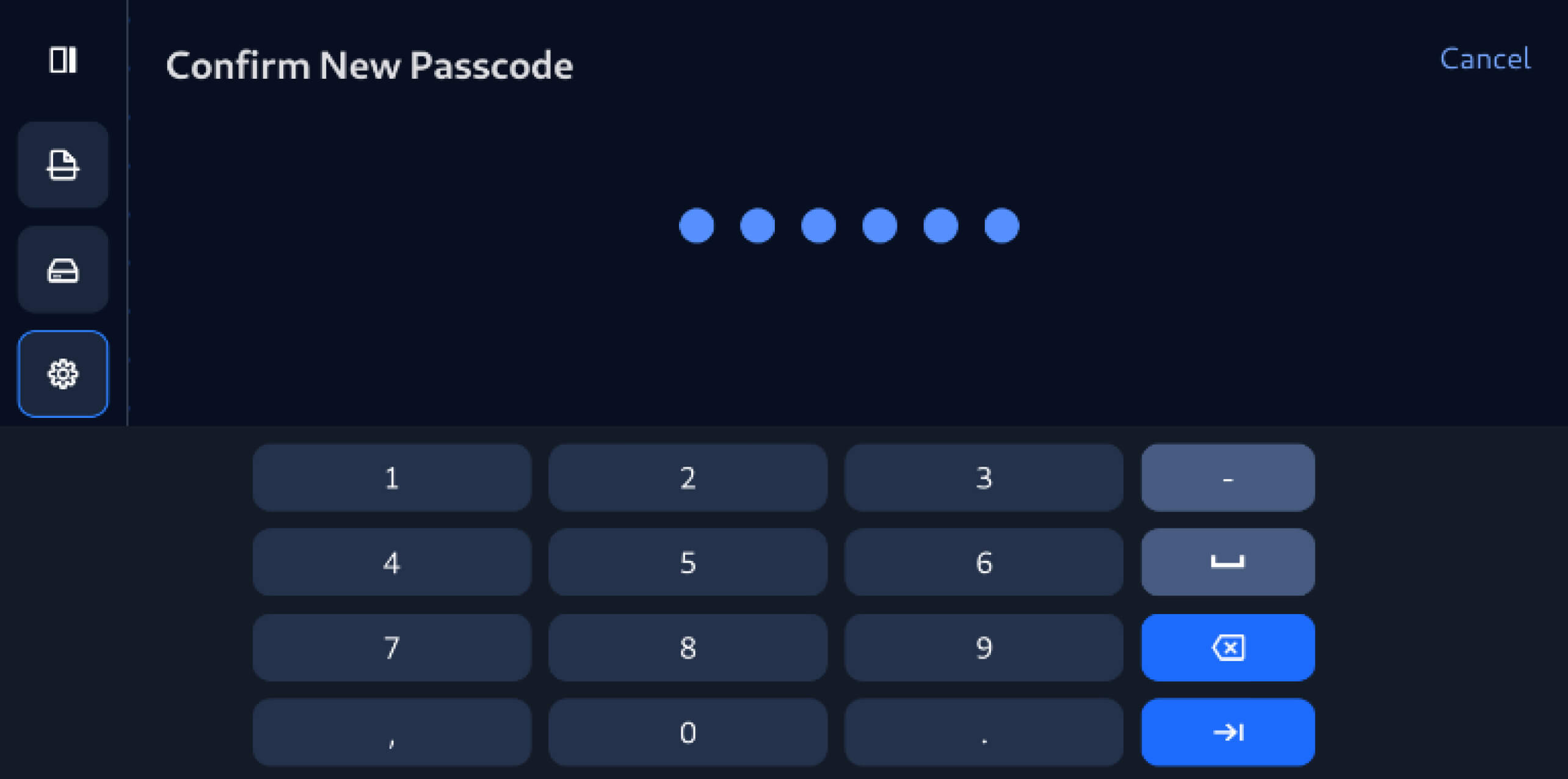
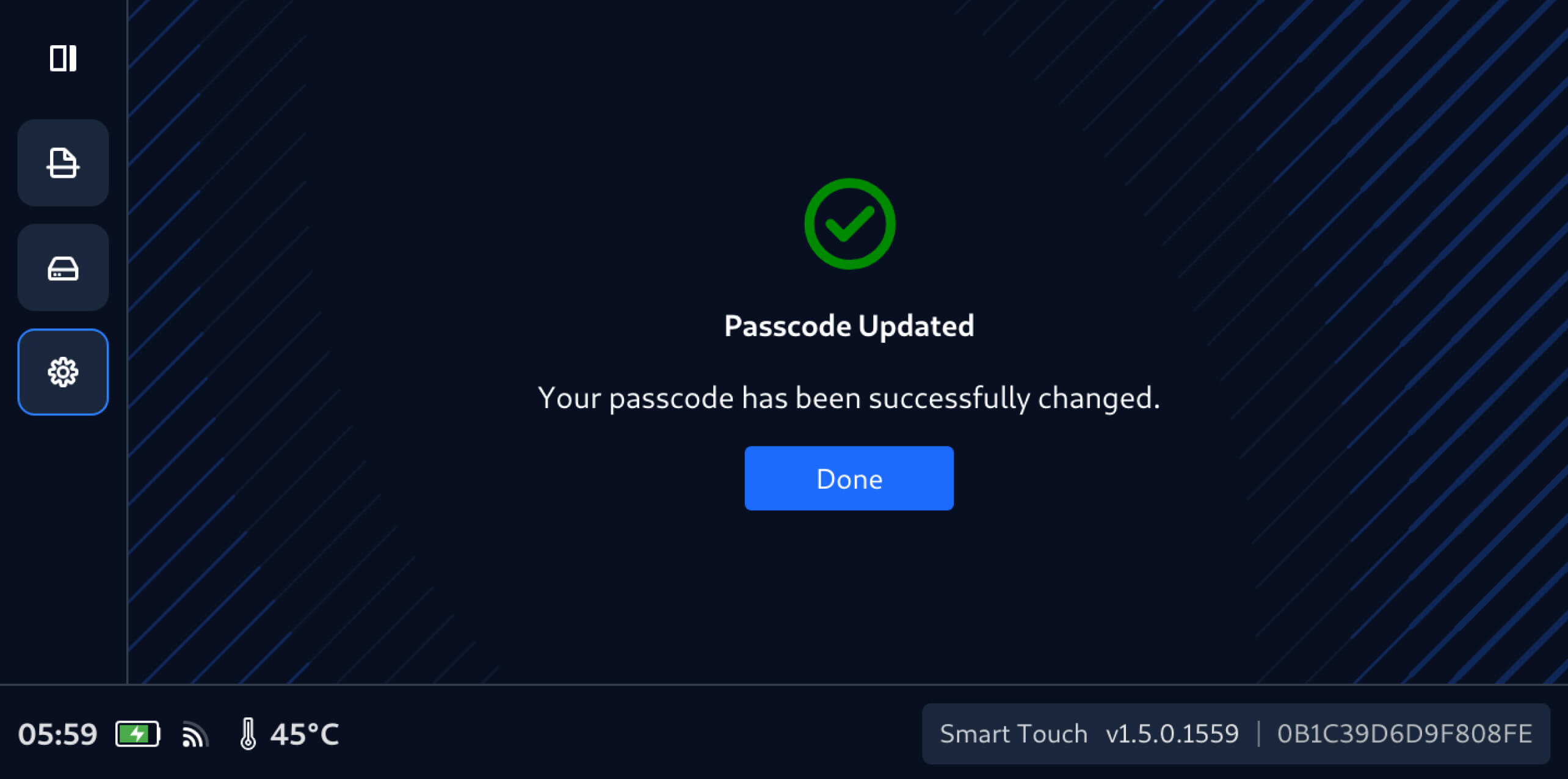
Diese Version von MetaDefender Drive Smart Touch führt auch die Passwortverwaltung auf dem Gerät ein , sodass Benutzer das Smart Touch-Passwort mit wenigen einfachen Schritten direkt vom Gerät aus aktualisieren können:
Details zur Veröffentlichung:
- Produkt: MetaDefender Drive Smart Touch
- Erscheinungsdatum: 19. Januar 2026
- Versionshinweise: Erfahren Sie hier mehr
UmMetaDefender Drive Smart Touch zu aktualisieren, tippen Sie auf dem Startbildschirm auf „Systemaktualisierung“, um die zentrale Aktualisierungsansicht aufzurufen.

